
15 September 2026
Figma Code Connect: worth it when AI writes the code?
Search "figma code connect" and every result on page one is setup documentation. Nobody answers the question the top Reddit thread is actually asking: is the mapping work justified?
Quick answer: Code Connect maps your real code components to your Figma components so Dev Mode and the Figma MCP server hand agents your implementation instead of a guess. It needs a Dev or Full seat on an Organization or Enterprise plan, so Professional teams cannot use it at all. Figma's own evaluation measured 29.5% fewer tokens, 19.6% shorter tasks and a full point of code quality, and named coverage as the single biggest factor in those numbers. Version 2.0.0 on 18 August 2026 deprecated the framework-specific parsers that every ranking tutorial still teaches. It is worth it if you have the plan, a stable component API and someone who owns the mappings. It still does not tell an agent which component to reach for, which is a different file.
What Code Connect actually is
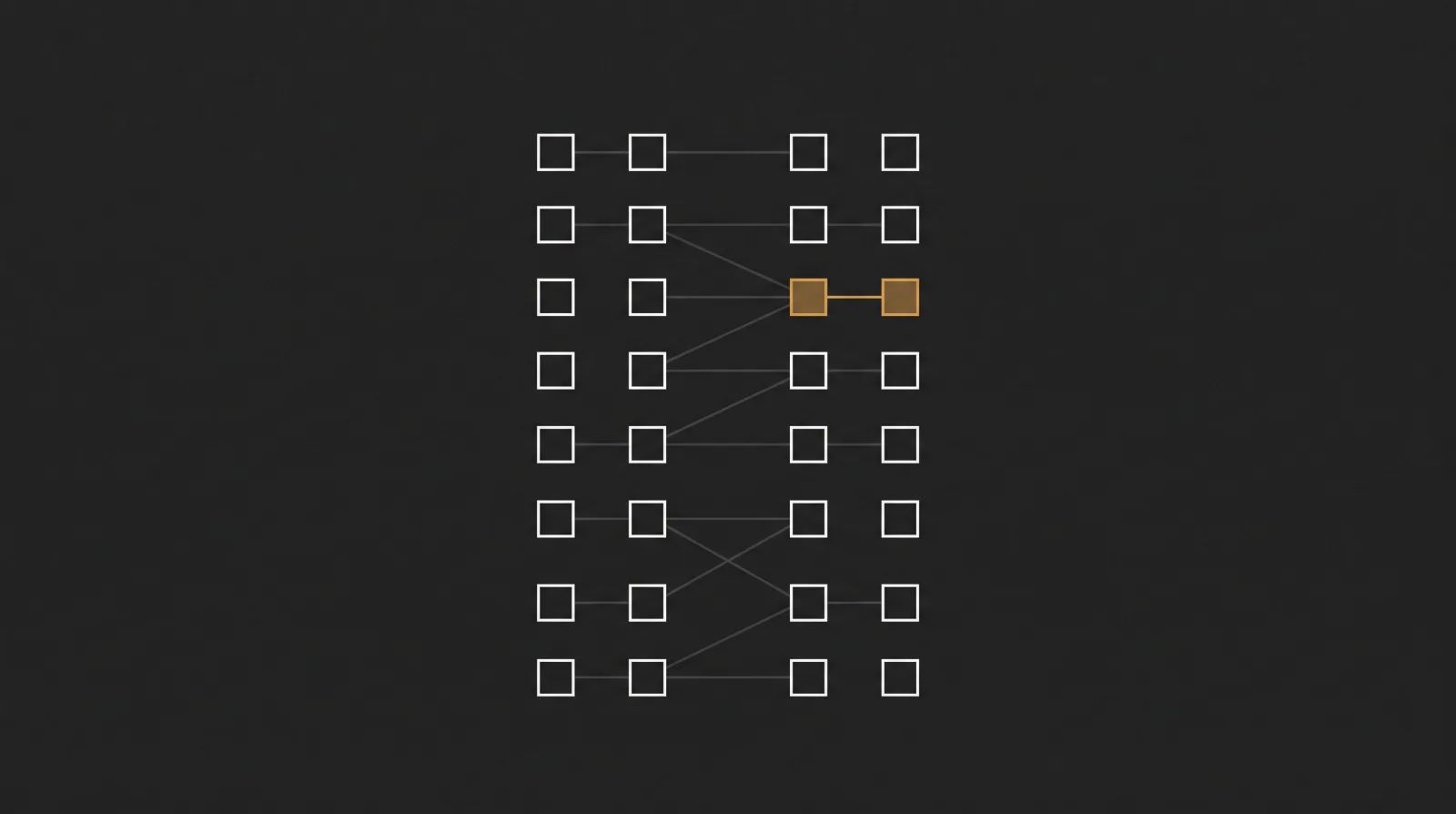
Figma's definition, repeated word for word across help.figma.com and the developer docs, is short: "Code Connect is a bridge between your codebase and Figma's Dev Mode, connecting components in your repositories directly to components in your design files."
In practice you write, or generate, one small file per component that says "this Figma component is that code component, and this design prop maps to that code prop." Figma then shows your snippet in Dev Mode instead of autogenerated CSS.
The reason the query is growing in 2026 is the second consumer of those mappings. Per the developer docs, "these connections enhance the Figma MCP server's ability to guide AI agents with more precise implementation details by giving them direct references to your actual code." The Figma MCP server reads them through get_code_connect_map and can write them back with add_code_connect_map. There is also a newer path: the Code Connect UI docs note that "when working in your IDE, Code Connect can also provide inline suggestions (open beta) powered by the remote MCP server."
So Code Connect started as a handoff feature for humans reading Dev Mode. It is now mostly interesting as the thing that stops an agent inventing a <Button> you do not have.
What changed in August 2026, and why most guides are stale
This is the part no ranking page on the SERP mentions.
Code Connect 2.0.0 shipped on 18 August 2026 with a breaking change and a warning: "Framework-specific parsers will no longer receive updates or support. Template files are now the only actively maintained way of using Code Connect." The migration guide dates the cutoff precisely: "As of August 17th, 2026, we are no longer updating or actively maintaining the legacy parsers."
Why it changed is worth knowing before you copy a tutorial. The old parser approach treated your file as text, so, in Figma's words, "conditional logic such as ternaries and switches were included in the output verbatim rather than evaluated when an instance was selected." Templates fix that by being code. Figma's wording: "Your template is a function that runs and returns a string," which you write "using conditionals, string interpolation, and arbitrarily complex logic."
Three consequences, in order of how much they matter:
- Framework support stops being a gate. Figma's parser list was React, HTML including Web Components, Angular and Vue, SwiftUI and Jetpack Compose. Templates are framework agnostic, because Code Connect "works the same way no matter which framework your design system is built with."
- Existing setups need one command.
npx figma connect migrate"parses your whole project for Code Connect objects, then saves those objects as template files," and Figma states the result is that "the output in Figma and in MCP will be the same." - Every guide written before 18 August 2026 teaches the deprecated path. That includes the pages currently ranking: Figma's own launch post from April 2024, the Carbon write-up, the Design Systems Collective Cursor guide from October 2025, and ByteByteGo from April 2026. Mozilla's Firefox Storybook docs still tell contributors that "the example template does not allow conditional statements," which was true of parsers and is no longer true of templates.
The tool itself is alive, not abandoned: 51 published versions since the first release on 16 April 2024, the latest being 2.0.1 on 10 September 2026, 866,559 downloads in the week to 11 September 2026, and 1,572 stars on the MIT-licensed repo. If you adopt it, expect to track releases.
The only real measurement, and its catch
Figma published the first quantified before-and-after on 5 August 2026 in Better Code, Fewer Tokens. It is vendor research, so read the method, but it is the only number on this SERP.
They ran "the same set of design-to-code tasks in two ways: one with no Code Connect, and one with Code Connect templates," across 27 test cases, two design systems (Simple Design System and Figma Pattern Library), on Claude Sonnet 4.5 and Claude Opus 4.7. Results:
- "Token usage for the median task was reduced by 29.5%"
- "The median task duration was reduced by 19.6%"
- "Code quality increased by a full point on a Likert scale of 1–4", from 2 to 3
Then the caveat that decides whether this applies to you: "These are median numbers, they do hide some of the trends we saw between different cases. The single biggest factor that moved numbers was Code Connect coverage." In the well-connected system, Code Connect made up around 20% of the responses. In the patchier one, around 6%.
Read that as a conditional, not a result. A half-mapped library gets you a fraction of a 29.5%. The gains are a function of how much of your library is connected, which is the same as saying they are a function of how much mapping work you finish and keep current.
The public examples show the same shape. The CMS Design System, which documents working with Code Connect for Copilot users, has to warn that "Currently, only the components listed above have snippets. For everything else, treat Copilot's output as a starting point."
What it costs, and the plan gate nobody states plainly
Google's People Also Ask for this query includes "How much does Figma code Connect cost per month?" There is no answer on the SERP, because there is no separate price. Code Connect is gated by plan and seat: "Available on the Organization and Enterprise plans" and "Requires a Full or Dev seat."
Against Figma's pricing as listed on 15 September 2026, that means:
| Plan | Cheapest seat that unlocks Code Connect | Price |
|---|---|---|
| Starter | not available | free |
| Professional | not available | Full $16/mo, Dev $12/mo |
| Organization | Dev seat | $25/mo, billed annually |
| Enterprise | Dev seat | $35/mo, billed annually |
So the honest answer is roughly $25 per month per developer seat, billed annually, on a plan most small teams are not on. A Professional team asking how to set up Code Connect is asking the wrong question first. That gate is the reason r/FigmaDesign has threads like Code Connect for Professional Plan?, where the poster asks "does anyone know if there are plans in the future to have Code Connect available for professional plans?", and Is Org+ plan worth it for Code Connect? from two months ago.
What Reddit reports
Google's organic results for "figma code connect" put r/FigmaDesign at position three, and on the reddit-suffix variant 24 of the 29 organic results are Reddit threads, under an AI Overview. These are the threads, with quotes taken verbatim from the search results, since Reddit blocks direct fetching.
The worth-it question, unanswered since January. Figma code connect - is it worth it? opens with the exact framing of this post: "I'm currently setting this up for a team, although the setup is interesting, I'm wondering will the effort be justified, anyone already tried this". Google lists 14 answers on it. Eight months later it is still the top Reddit result on this query, which tells you how well the documentation answers the question.
Expectations set too high. In CodeConnect, Design system and React, 50-plus comments, the snippet Google surfaces is a correction: "Code Connect just attaches a code snippet to the component so you can see it in Figma." That is the accurate mental model. It is a mapping layer, not a code generator.
The prop-tree mismatch is the real maintenance cost. From Is Org+ plan worth it for Code Connect?: "In my experience the component API developers build is often VERY different from the design prop tree, and often there's no full time design systems person". Mozilla documents the same thing from the inside, noting that "some props will not map back to code and may be there to make using Figma easier" and that you must "ensure that the names of any components, nested components, and properties that you use in the Code Connect file matches the name used in the Figma file."
Teams want it to pull an existing system in, not describe one. Is CodeConnect our missing link to pull existing DS starts: "So I've been leading a design system project and we've built a number of tokens and components into a custom css repository (no Storybook for us)." Code Connect maps component to component. Tokens travel through variables and rules, not through it.
What it can read is narrower than people expect. Code Connect - Accessing Layout and Style info: "I am experimenting with code connect. But right now all I can access is those 'Properties' that are listed under 'Component'".
The agent question, asked directly. Is Code Connect UI useful if your team uses AI coding tools?, 20-plus comments, describes the mechanism in one line: "Figma's Code Connect UI is supposed to 'fix' that. You map your design system components to real code snippets in Figma, feed those mappings". How are you using Figma's Code Connect or Figma MCP has 17 answers from designers "exploring how Figma's MCP Server could help designers bridge the gap between design systems and real code."
The working setup people describe is Code Connect plus Storybook plus an agent. Code Connect, 20-plus comments: "I've got MCP working with a design file, a component library and storybook on github. I now specifically want to see how Code Connect helps the" process. Figma designs to Claude code gives the same recipe: "Push components into Storybook so you can review your design system in code. Use code+connect in dev mode on Figma. Then tell Claude to". On The official Claude Code to Figma is here, 100-plus comments, the upside is stated as "you can actually pull from your real design system code components."
And the friction that stops pilots. Code Connect's "Connect to Github" disabled for all: "Our team wants to allow Devs try it out but everyone (except for Admins) get a disabled" button. That matches the docs, which require that "you must be the owner of the file you want to connect to GitHub or an organization admin." Others go looking for a way around the whole thing in Alternative to Figma Code Connect?, where a team is "currently experimenting with Figma's MCP server to generate code from designs, and so far the results are promising."
CLI or Code Connect UI
Two ways to create mappings, and the difference is not cosmetic.
Code Connect CLI. Runs "locally in your repository" and "provides developers with more precision and flexibility." Template files live next to the component, publish with npx figma connect publish, and show code snippets in the Inspect panel.
Code Connect UI. Runs "entirely inside Figma", is "language-agnostic", and "supports multiple code connections for a single design component across different frameworks and languages." Connect a repo and "mapping fields will autocomplete with file paths from your repository."
Pick the CLI when:
- ✅ The mappings should live in the repo and move with refactors
- ✅ Developers own them and review them in pull requests
- ✅ You want snippets in the Inspect panel, which the UI does not provide: "components connected using Code Connect UI do not display code snippets in the Inspect panel"
- ✅ You are on 2.0 and using template files, not parsers
Pick the UI when:
- ✅ A designer or design systems lead will do the mapping without a local checkout
- ✅ You want one design component connected across several frameworks
- ✅ You mostly care about agent output through MCP rather than Dev Mode snippets
Avoid the UI if:
- ❌ You use GitHub Enterprise Server, which "is not supported"
- ❌ You need more than one repo per library file, since "you can connect one GitHub repository to each Figma library file"
- ❌ Your developers are not file owners or org admins, which is the disabled-button thread above
What Code Connect does not do
It answers "which code component is this Figma component." That is one of three questions an agent has to get right, and it is the narrowest.
- Which component is this? Code Connect, when the component is mapped and the mapping is current.
- What does this screen look like? The Figma MCP server, scoped to the selection you point it at.
- Which component should I use here, at which size, in which state, and what is banned? Nothing in Figma answers this at product level, because the answer is not stored in any one frame or component.
Question three is where AI-built UI drifts. An agent with perfect Code Connect coverage will still pick the wrong variant on screen six, invent a fourth spacing value, and ship a table with no empty state, because none of those decisions are attached to the node it was looking at. Figma effectively concedes this: its MCP server ships exactly one prompt, create_design_system_rules, and its job is to generate a rules file that lives in your repo.
The plan gate makes the point sharper. Code Connect needs an Organization or Enterprise seat. Most teams shipping product UI with agents are on Professional, or on no Figma plan at all because the design lives in code already.
Where a DESIGN.md fits
A DESIGN.md is that rules file, written once per product and read by every agent with no server, no seat and no plan gate. It carries the things a component mapping cannot: the token set with names and values, the type and spacing scales, elevation and radius rules, component usage constraints, state coverage, and the do-not-do list.
The two layers compose:
- Code Connect answers "use our Button, imported from here, with these props."
- DESIGN.md answers "use the secondary variant at 32px height for table row actions, never two primaries in one view."
Together they fix both failure modes: the invented component and the inconsistent product. On their own, Code Connect gives you correct imports in an inconsistent UI.
The duply library has DESIGN.md files extracted from real shipped products, so you can read the format before writing one. Linear is the reference for dense product UI, Stripe for data-heavy dashboards, Vercel for restrained dark interfaces. Drop one in your repo root, point your agent at it alongside your Code Connect mappings, and compare the next five screens to your last five. The full workflow is in how to give your AI agent a design system.
FAQ
What is Figma Code Connect for? It connects components in your codebase to components in your Figma files, so Dev Mode shows your real code snippet instead of autogenerated CSS, and so the Figma MCP server can tell an AI agent which component in your repo to use. It is a mapping layer between design and code, not a code generator.
How much does Figma Code Connect cost per month? There is no separate charge. It is included on Organization and Enterprise plans and requires a Full or Dev seat, so the cheapest route is an Organization Dev seat at $25 per month billed annually, or $35 on Enterprise, as listed on figma.com/pricing on 15 September 2026. Starter and Professional plans cannot use it at any price.
Is Code Connect available on the Professional plan? No. Figma's docs list it as available on the Organization and Enterprise plans only. This has been asked repeatedly on r/FigmaDesign and the answer has not changed.
How do you set up Code Connect in Figma?
Two paths. The CLI runs in your repo: install @figma/code-connect, create a template file per component, then npx figma connect publish. The Code Connect UI runs inside Figma, optionally connected to a GitHub repo for path autocomplete, and needs you to be the file owner or an organization admin to make the GitHub connection. On version 2 use template files, not the old framework parsers.
Does Code Connect support Flutter? Not as a documented parser. Figma's parser list covered React, HTML including Web Components, Angular and Vue, SwiftUI and Jetpack Compose. Since version 2.0.0 templates are framework agnostic functions that return a string, so you can emit a Flutter snippet, but there is no official Flutter integration to install.
Does Code Connect work with Storybook?
Yes, and it is the most common setup described on Reddit: components in Storybook for review, Code Connect mappings pointing at the same components, then an agent reading both. Mozilla documents exactly this pattern for Firefox's design system, with one .figma.ts file per component sitting next to the component.
Is Code Connect worth it if your team uses AI coding agents? It is worth it when three things are true: you are on a plan that allows it, your component API is stable enough that mappings do not rot, and someone owns keeping them current. Figma's own evaluation measured 29.5% fewer tokens and a full point of code quality, with coverage named as the biggest factor, so partial coverage buys a fraction of that. It does not replace a rules file, because it says nothing about which component to choose or which states to cover.
When was Code Connect released?
Figma introduced it on 16 April 2024, the same day the first @figma/code-connect package was published. Code Connect UI, the in-Figma mapping surface, came later and was documented by November 2025. Version 2.0.0, which deprecated the framework-specific parsers, shipped on 18 August 2026.
Summary
- Code Connect maps your code components to your Figma components, and its main consumer in 2026 is the Figma MCP server feeding AI agents
- It needs a Dev or Full seat on an Organization or Enterprise plan, roughly $25 per seat per month billed annually, and is unavailable on Starter and Professional
- Version 2.0.0 on 18 August 2026 deprecated framework-specific parsers; template files are the only maintained path and
npx figma connect migratemoves you over - Figma's own measurement is 29.5% fewer tokens, 19.6% shorter tasks and a full point of code quality, with coverage named as the single biggest factor
- Reddit's recurring complaints are the prop-tree mismatch, the admin-only GitHub connection, and the missing Inspect snippets when you map through the UI
- It answers "which component is this" and not "which component should I use here", which is what a DESIGN.md is for
Map your components, then give your agent the rules. Start with the duply library.
Related reading